
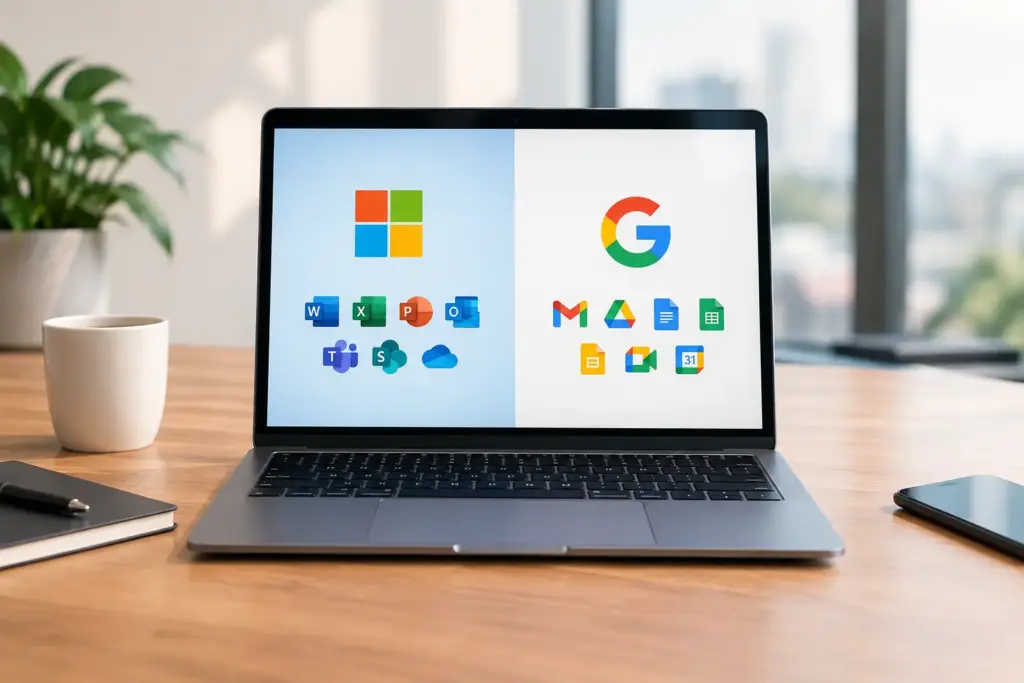
Sending a quote, working together on a proposal, video calling a client, and securely retrieving files: for most SMEs, it simply has to work. Yet, the choice between Microsoft 365 and Google Workspace major implications for your organization's daily operations, management, and security. The best choice is not automatically the package with the most features. It is about which platform aligns with your employees, existing systems, and plans for growth.
Microsoft 365 versus Google Workspace: the difference in approach
Microsoft 365 and Google Workspace both offer business email, online storage, calendars, meetings, and programs for creating documents together. On paper, the packages therefore seem very similar. In practice, however, they start from a different way of working.
Microsoft 365 feels familiar to many organizations because Word, Excel, Outlook, and PowerPoint have been the office standard for years. The platform is strongly geared towards a complete digital workplace, including desktop programs, Teams, SharePoint, and extensive capabilities for identity and device management.
Google Workspace was originally built around working in the browser. Gmail, Drive, Docs, Sheets, and Meet are quickly accessible from virtually any device. Teams can easily work on the same document simultaneously, without different versions circulating via email. This makes Google Workspace attractive to organizations that want to work in a lightweight, flexible, and largely browser-oriented manner.
So the question is not just which package offers more. The question is primarily: how does your team work now, and which way of collaborating do you want to support?
Collaborating on documents and files
Microsoft 365 aligns with extensive office processes
Do you work daily with complex Excel files, extensive quotes in Word, or presentations with a fixed corporate identity? Then Microsoft 365 often has a clear advantage. The desktop versions of Word, Excel, and PowerPoint offer more depth than their browser counterparts. You will notice this difference especially with advanced formulas, pivot tables, macros, extensive formatting, and larger documents.
For files, you use OneDrive for personal storage and SharePoint for shared document libraries. Microsoft Teams brings together conversations, meetings, files, and channels. That is powerful, but it does require a clear setup. Without agreements regarding Teams, channels, and file locations, confusion quickly arises about where the current version is located.
Google Workspace makes working simultaneously easy
Google Docs, Sheets, and Slides excel at direct collaborative writing, calculation, and consultation. You can see who is working on a document, what changes are being made, and handle comments immediately. This works particularly well for smaller teams and organizations with many short, shared documents.
Google Drive offers an organized environment for shared files. Its strength lies in simplicity, but there is a limit. For very extensive Excel workbooks, documents with advanced formatting, or processes that depend on specific Office functionality, switching can result in extra work. Files can often be opened and edited, but not every function carries over one-to-one.
Email, calendar, and meetings in practice
Outlook and Gmail are both mature business email environments. Which one works better is partly a matter of personal preference. Outlook is a good fit for organizations that want to use email, calendar, contacts, and tasks centrally within the Microsoft workplace. Gmail is minimalist, fast, and strong in searching and labeling.
For meetings, Microsoft Teams is often the logical choice if you already work with Microsoft 365. Chats, calendar invitations, online meetings, and files come together in one environment. Google Meet integrates with Gmail and Google Calendar in a similar way. Both solutions are useful for external appointments, provided you check the settings for guests, lobbies, and screen or file sharing beforehand.
With Microsoft 365, pay close attention to the chosen license. The availability and features of Teams can vary by package and region. Therefore, do not just look at an attractive price per user, but at the features your employees really need.
Security requires more than a good password
For a business workplace, security and continuity are at least as important as ease of use. Both platforms offer multi-factor authentication, encrypted connections, user management, and settings to restrict unauthorized access. However, the quality of your security depends heavily on how you configure these features.
Microsoft 365 offers extensive options for organizations that want to centrally manage devices, user rights, and access. With the right licenses, for example, you can set requirements for devices on which corporate data may be accessed, restrict access based on risk, and better protect data in the event of the loss of a laptop or phone. This is well-suited to companies with fixed workstations, employees, and higher requirements regarding compliance or customer data.
Google Workspace also offers strong security settings, such as two-factor authentication, device management, and file sharing controls. The management environment is more straightforward for many smaller organizations. However, more comprehensive editions are often required for advanced security and management features.
In both cases, policies remain necessary. Who is allowed to share external files? What rights do temporary employees receive? How quickly do you remove access when someone leaves the company? And how do you recover data if a file is accidentally deleted? A cloud platform does not take those choices off your hands.
Management, support and costs
The monthly price per user is visible, but it doesn't tell the whole story. Also consider the time you spend on setup, user management, security, migration, and support. A cheap package becomes expensive if employees frequently freeze or if files and permissions grow uncontrollably.
Microsoft 365 offers many possibilities, but these possibilities often require expert management. This does not have to be a disadvantage. For a growing SME, a well-configured Microsoft environment can actually provide a great deal of peace of mind: fixed permissions, secure devices, central files, and clear processes.
Google Workspace is often easier to understand for organizations that require a low-complexity IT structure. This can simplify management. Here, too, clear agreements are necessary regarding shared Drives, access rights, and file ownership. When an account is linked to a single person, you want to prevent important business information from being difficult to find.
Include additional services in your assessment as well. Consider professional setup, training, management, periodic checks, and an incident recovery plan. A partner like Cloudformatie can help not only deliver the chosen environment but also configure it appropriately and keep it manageable.
When is Microsoft 365 the best fit?
Microsoft 365 is usually a logical choice when your organization relies heavily on the well-known Office programs, works extensively with large Excel files, or wants to centrally manage a complete workplace. The platform is also a good fit when Teams plays an important role in internal communication, your employees work with Windows PCs, or you use various business applications that already integrate with Microsoft.
Choose the license level carefully. For some employees, a web version is sufficient, while others require the full desktop applications daily. A receptionist, field service representative, and finance employee rarely have the same needs.
When is Google Workspace the best fit?
Google Workspace is a good fit for teams that primarily work in the browser, want to collaborate quickly on documents, and want to be as independent as possible from local programs. It is a strong option for smaller organizations, creative teams, and employees who are frequently on the go or work with multiple devices.
The solution is less suitable when crucial processes depend on complex Office documents or when you have extensive requirements for Windows Device Manager. This does not mean it is impossible, but it does mean that you must test thoroughly beforehand with the files and workflows that really matter.
Make the choice based on your daily work
Do not make decisions based solely on a job chart. Have a few employees work with a realistic quotation, financial reporting, a shared schedule, and an online client meeting. Then ask where they save time, where errors might occur, and what management you need to continue working safely.
The best digital workplace doesn't feel like an extra system that people have to work around. It supports your team at the moments when accessibility, collaboration, and continuity matter.